Cinematic event workflow
0
core coordination modules
0
curated interface screens
0
single event control layer
Run the whole show from one high-impact control system.
Sport Power brings together tasks, appointments, inventory, decorations, scenarios, schedules, and team data inside one bold mobile workspace designed for live event coordination.
Live control
Team roles
Task tracking
Rainbow live-event aesthetic
Scheduling, scripts, inventory
Direction
Luxury event-tech presentation
Main use
Live event coordination
Look & feel
Glossy, vibrant, premium
Core modules
Built around the real systems behind a complex event
Selected module
Task Tracker
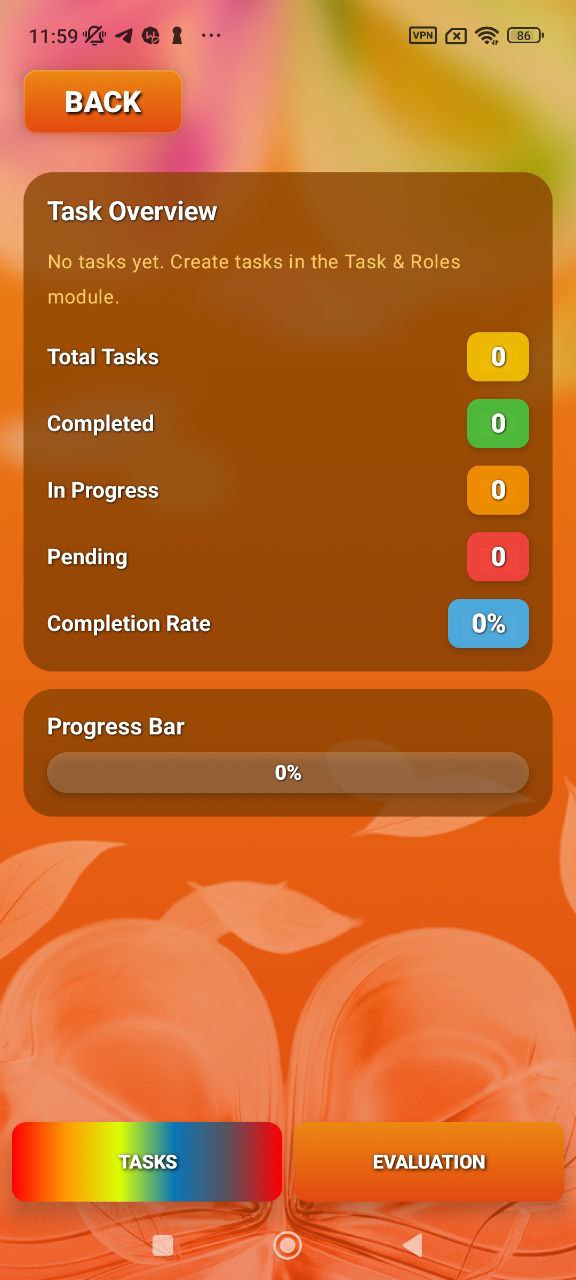
Track total tasks, completed work, in-progress items, pending items, and completion rate inside a cleaner overview screen.
Live progress visibility for the whole production
The overview screen gives organizers a clear status snapshot instead of forcing them to guess where work stands.
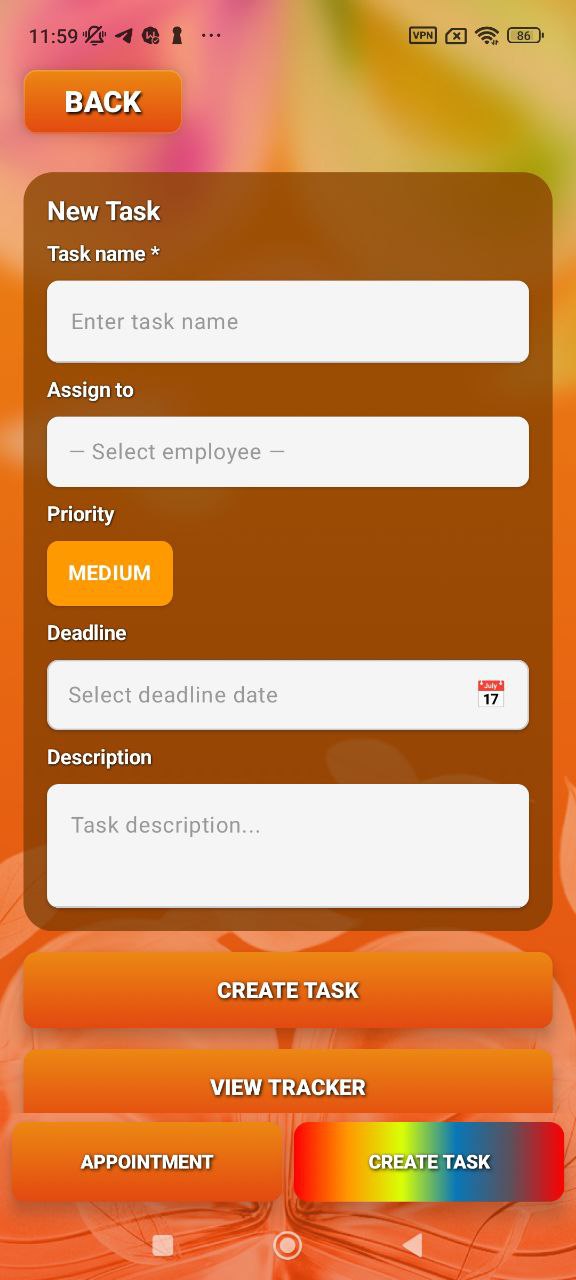
Assign work with structure, not chaos
Priorities, deadlines, and ownership make the task flow feel operational rather than improvised.
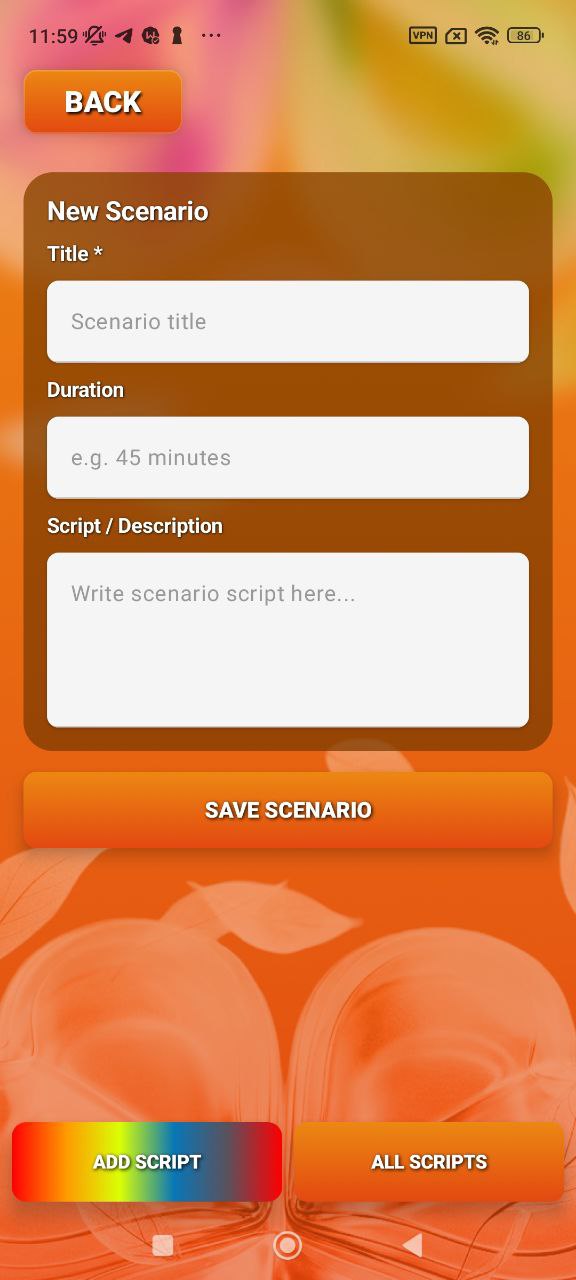
Production scripts stay inside the same system
Scenario planning gives the app a stronger backstage-production feel, not just a generic task board.
Inventory management is part of the workflow
Stock and equipment control are treated like first-class modules, which is critical for complex event setups.
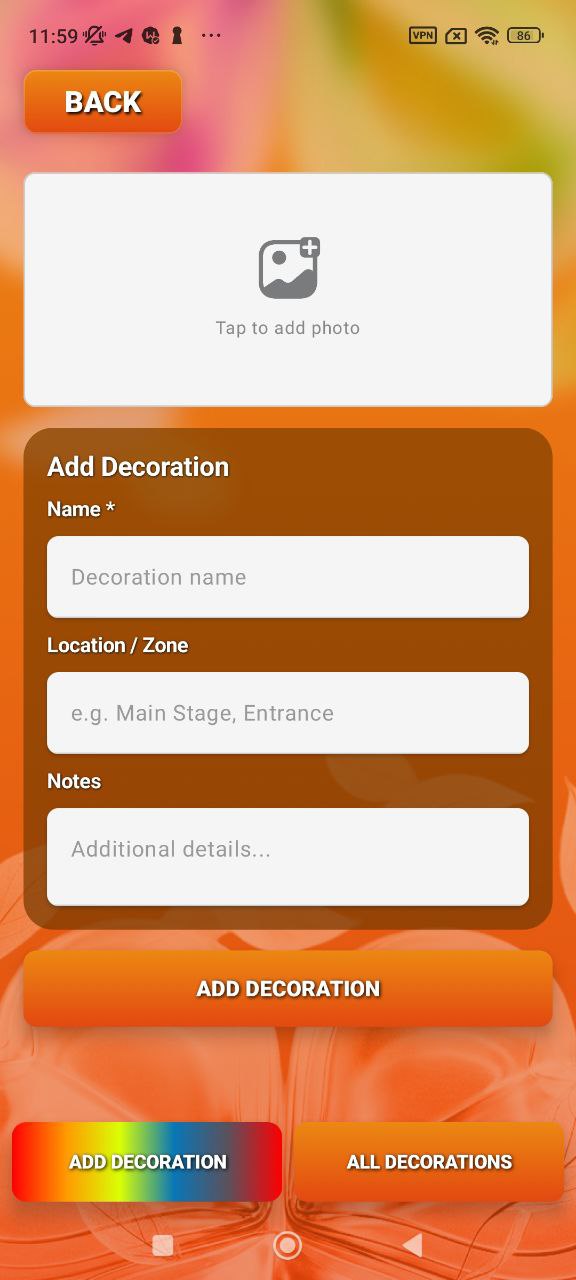
Decoration planning gets its own dedicated space
Visual setup is often overlooked in apps like this, so this module makes the product feel more complete.
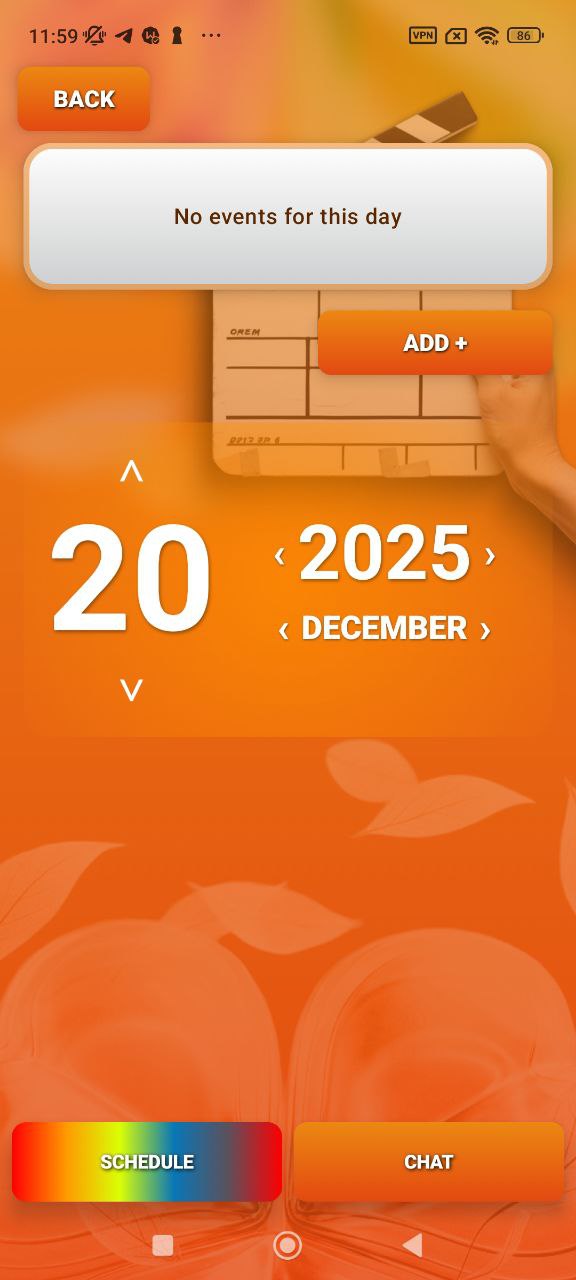
The event calendar becomes operational infrastructure
Scheduling turns the app into a central event timing system, not just a collection of forms.
Experience flow
A control-center experience with layered premium storytelling
Stage 01
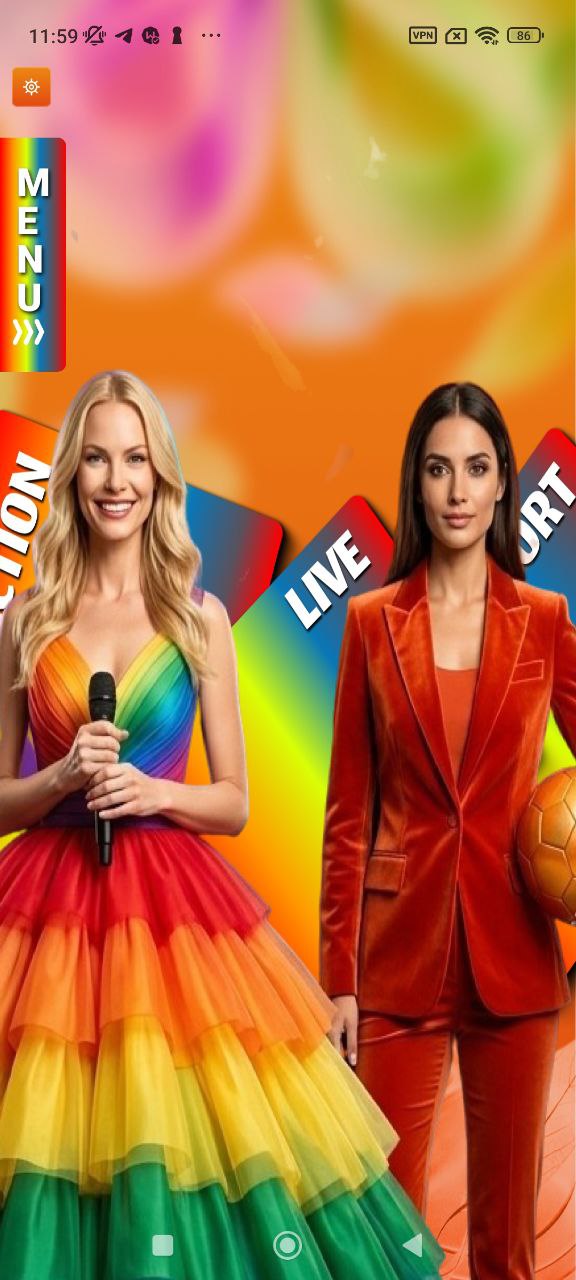
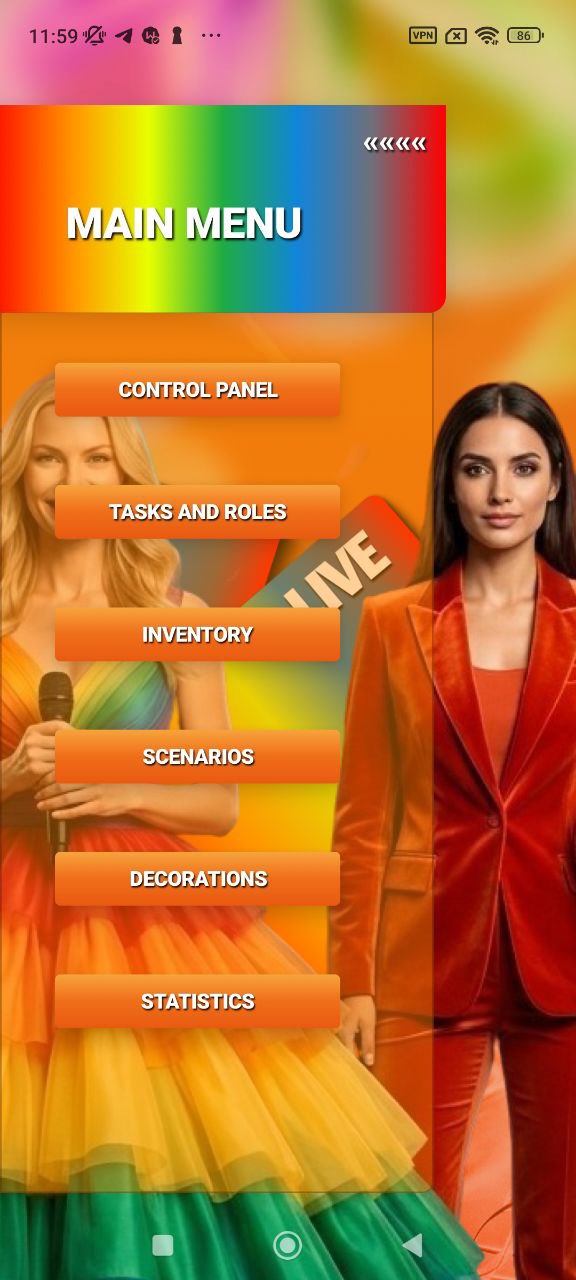
Enter through a visual live-event command center
The main menu and entrance screens immediately position the app as a backstage coordination tool for real productions.
Stage 02
Build tasks, roles, and operational execution
Task creation, tracking, and role-related screens make the app feel like a genuine coordination platform.
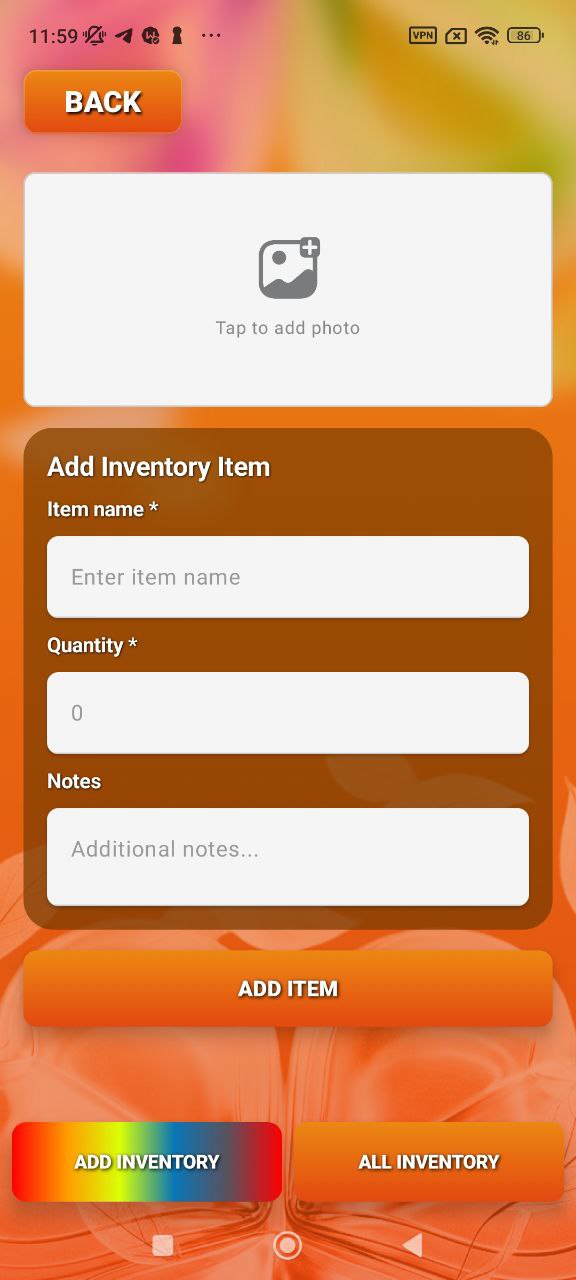
Stage 03
Manage all physical and creative production elements
Decorations, inventory, and scripts are separated into their own modules, which makes the system feel broad and production-ready.
Stage 04
Keep event timing and team identity inside the same ecosystem
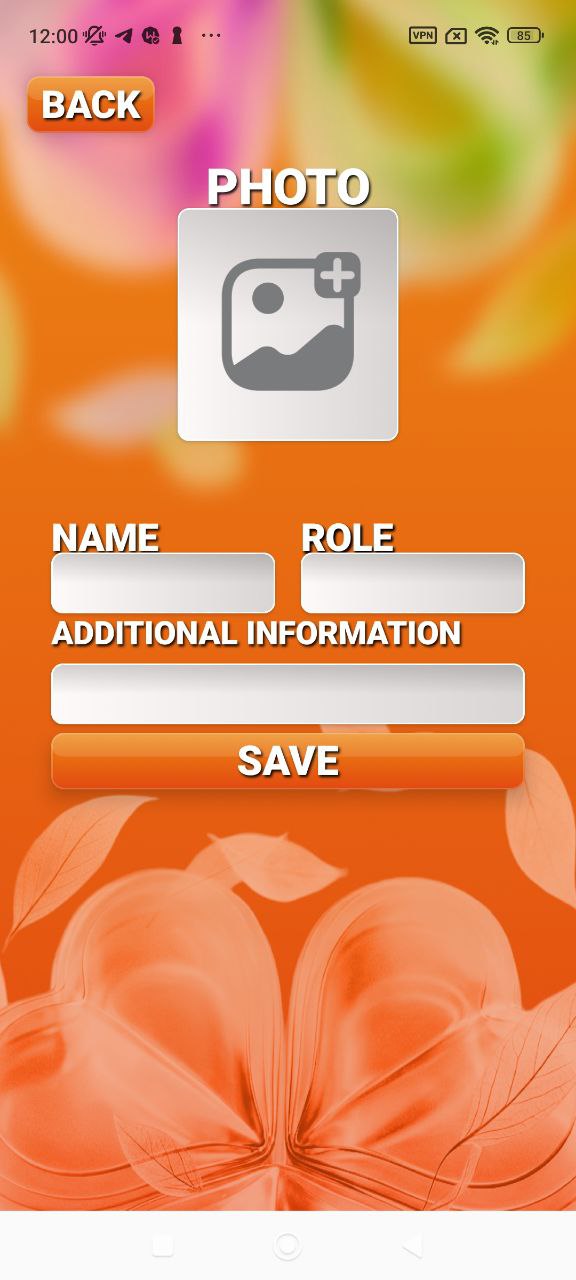
Schedule views and profile-related forms complete the product as a full event operations system.
Reviews
Designed to feel bigger, sharper, and more premium than a normal app
Sample testimonial cards for the landing page layout.
★★★★★
“This feels less like a simple app and more like a full event command system. The visual presentation is a big part of that.”
Melissa R.
Event producer
★★★★★
“I like that tasks, scripts, schedule, inventory, and decoration planning all live inside one system instead of separate tools.”
Daniel K.
Production coordinator
★★★★★
“The visual design feels huge and premium. It looks like software built for real, visible events rather than internal admin only.”
Olga T.
Creative operations manager
Ready to control the whole event?
Download Sport Power and run schedules, people, tasks, and production from one place.
A high-impact mobile system for event coordination, live workflow, scripting, inventory, decoration planning, and team structure.